Back to Writing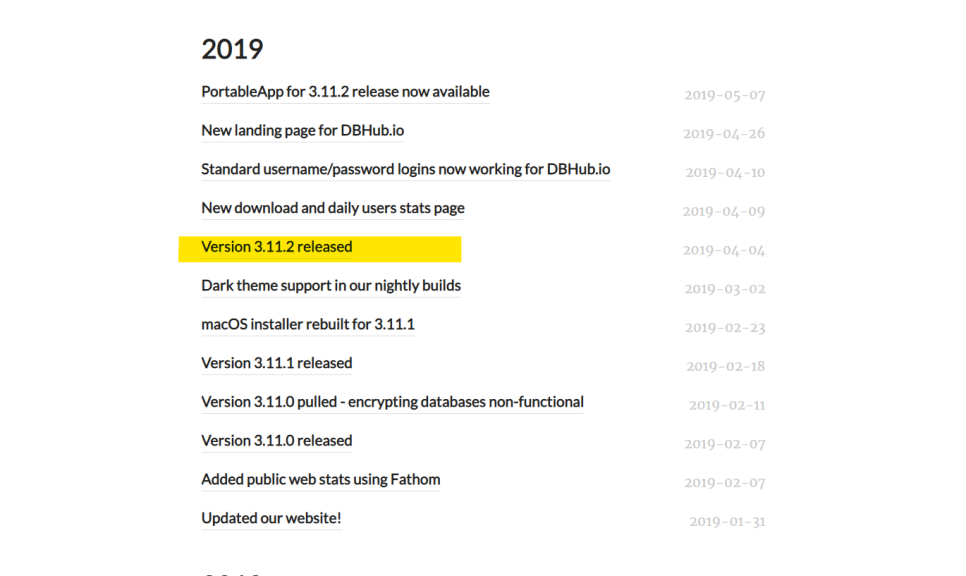
NOTESsvnversion-controlsqlitetroubleshooting
Fixing SVN Cleanup Failures
November 10, 2019•Updated Feb 17, 2026
sqlitebrowser.orghttps://sqlitebrowser.org/
Download the latest version of DB Browser from the website above.
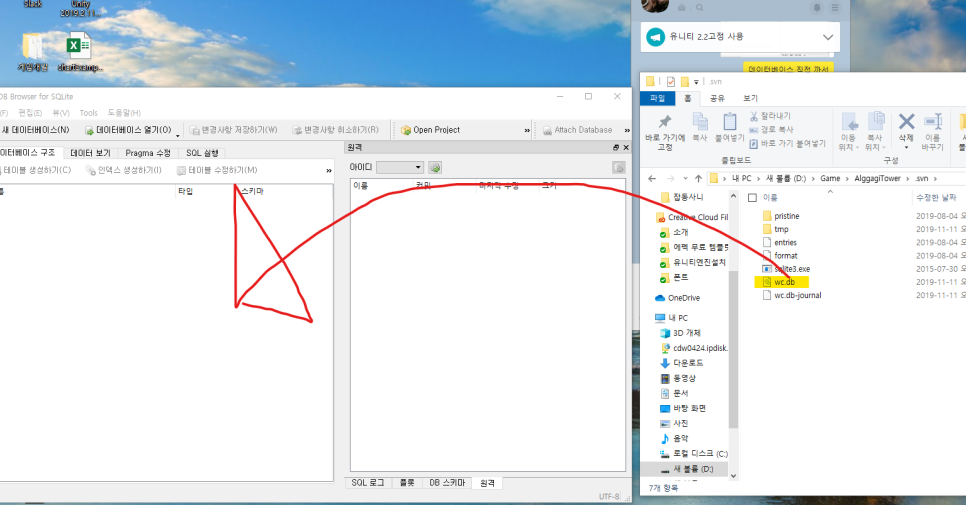
Drag the wc.db file from the .svn folder and enter the following:
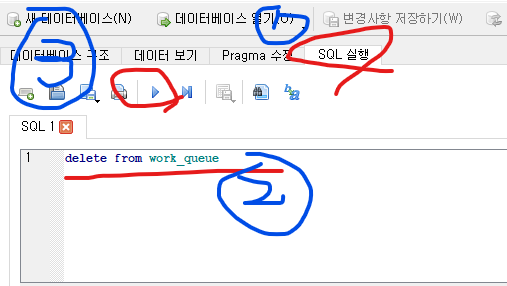
"DELETE FROM work_queue"
In the Execute SQL tab, type "DELETE FROM work_queue" and click the play button to execute.
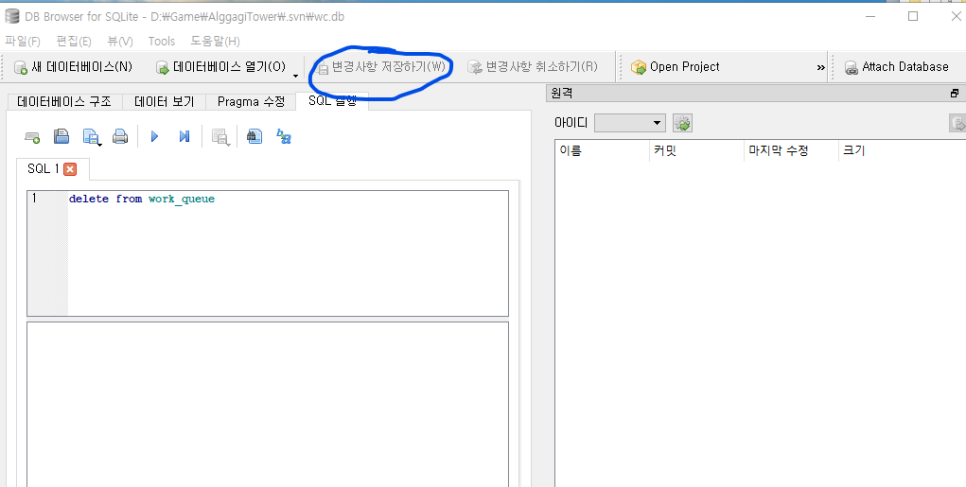
Click "Save Changes" as shown in the image above, and you are done.
Now try running svn cleanup again.
If there are additional lock issues, separately enter:
"DELETE FROM WC_LOCK"
to remove the locks and save.
Note: execute only one statement at a time per run. For some reason, running two statements consecutively causes errors.