Microsoft Designer - AI-Powered Design Tool Review
Less than a week after signing up for the waitlist, I got the email that it was available.
I was curious about the difference between this and Microsoft Office Copilot for PPT, so I gave it a try.
In short, it appears to be an AI for image generation that also auto-creates animations.
Let's dive right in.
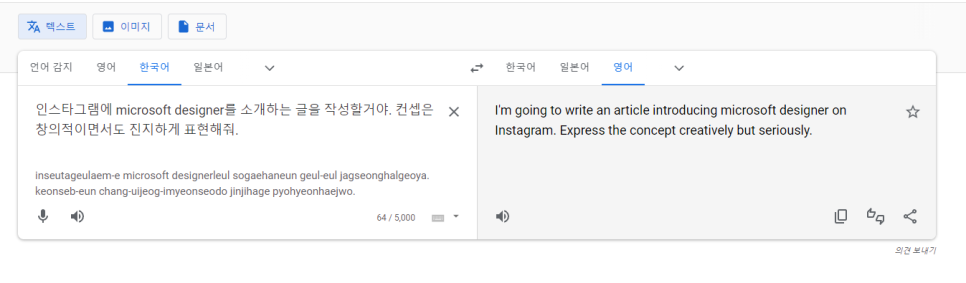
First, I entered a prompt describing the image I wanted to create.
I requested an expression that was both creative and serious.
This is the kind of request that designers typically hate.
I was very curious to see what Microsoft Designer would come up with.
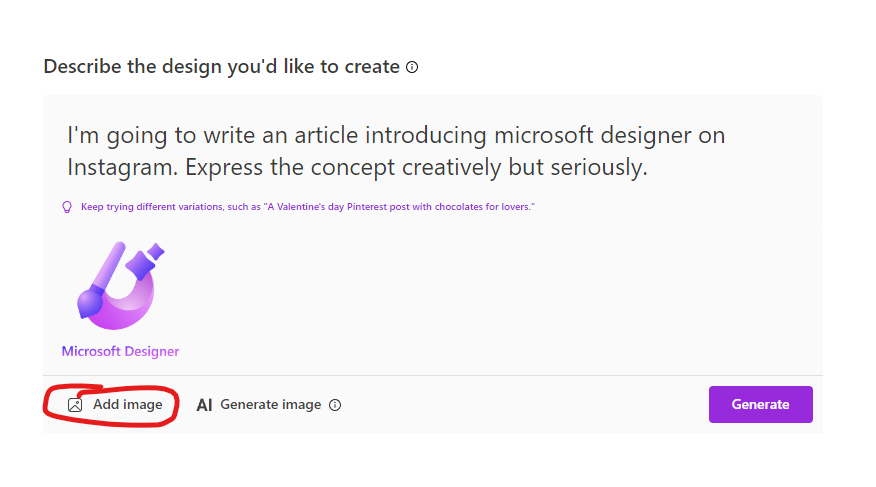
Below the prompt input field, you can add images to use.
Since I was creating an image introducing Microsoft Designer, I added the Microsoft Designer logo.
I also thought it would be nice to have something like a 3D-drawn character.
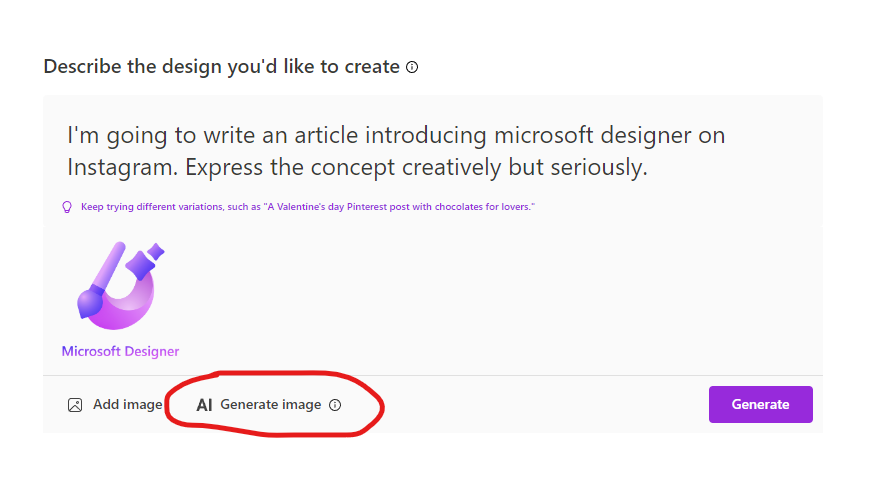
I added an image using the bundled DALL-E 2 based AI image generator.
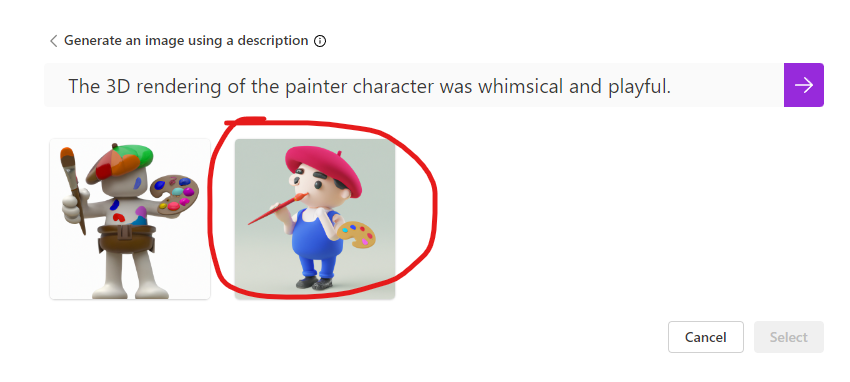
The quality was better than expected, so I selected a suitable character.

Wow... I was a bit rough with it, but if you put more care into the prompts, the quality could be quite impressive.
Whether you're a developer or an artist, the kind of work that junior-level people used to do seems almost entirely replaceable now.
Considering this took less than a minute to create, even if the quality is lower than what one person could produce, the labor cost is so cheap that unless a company is pursuing absolute perfection in quality, they'll likely adopt it aggressively.