Flask - Creating Models with Foreign Key Relationships

This post summarizes content from "Do it! Jump to Flask."
Sincere thanks to author Park Eung-yong and publisher "EasySpub" for making this content possible.
Do it! Jump to Flask

Just like with the Question model, data was created by passing it directly through the constructor.
However, there is one difference.
I directly retrieved and inserted the question data into the Answer model's question property.
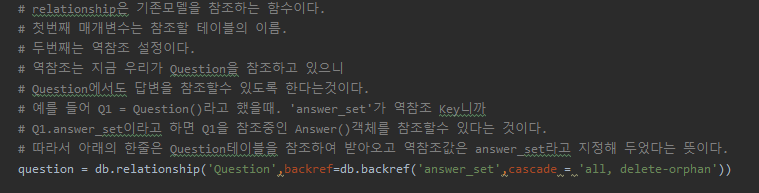
Since the question property is a foreign key, you can insert question data directly.
Checking with the data browser:

You can see that the ForeignKey question_id automatically retrieves the ID of the question we're answering.
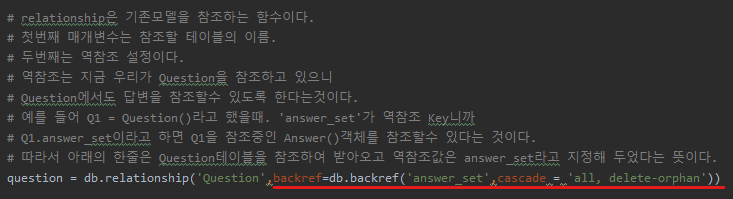
And since we also set up a reverse reference:
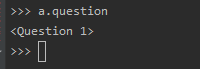
You can look up the question directly from the answer like this.
That wraps up model creation and usage.
Starting from the next post, I'll cover implementing the question list query feature.
Do it! Jump to Flask